
Creating your own YouTube channel and managing it can be quite challenging if you are a newbie. It requires a lot of tasks like scripting, editing, creating banners for your videos, and the most importantly, marketing of your YouTube channel and videos. If you wish to grow more on YouTube, then we advise that you should harness the power of Artificial intelligence. Today, we will suggest the best AI tools for new YouTubers, which will change their game on YouTube.
With AI tools, you can easily edit videos, create banners, add audio effects, and an artificial voice to your videos. Let us check those tools one by one.
1. ChatGPT
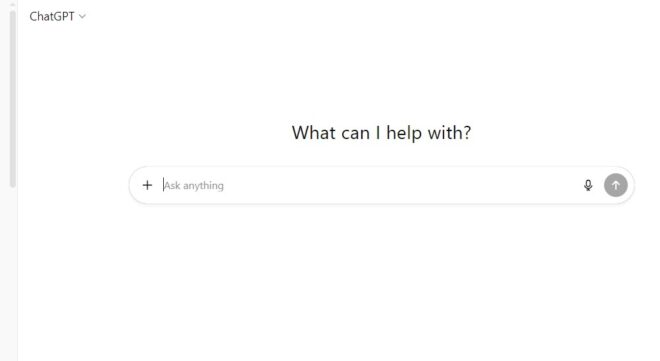
First in the list of AI tools is ChatGPT. It requires no introduction; it is an AI tool by OpenAI. It offers a lot of functions and features, like searching for different queries, creating video concepts. You can also create full scripts through ChatGPT that can be used in your video content.
2. Lumen5
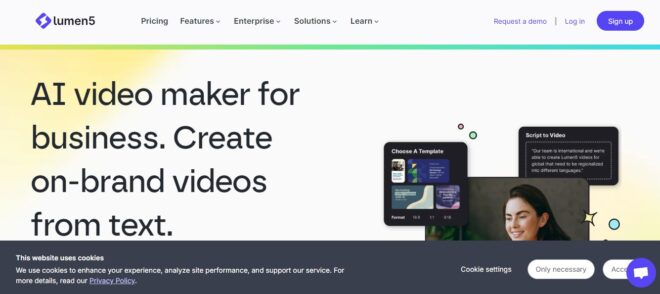
Another AI tool for YouTubers is Lumen5. This mindblowing AI tool for YouTubers allows you to convert your blog post or text into videos, which you can use for your YouTube channel. Lumen 5 automatically adds background music, different transitions, and visuals to your videos the tool is perfect if you plan to create a faceless channel on YouTube.
The AI tool for new YouTubers is trusted by thousands of global brands like Siemens, Mitsubishi, Sodexo, etc. You can use it to create a video for your YouTube channel.
You just need to drag and drop the elements. You can select the creatives for your video banner. The best part is that with the help of AI automation, video generation becomes quite easy and quick without compromising the video quality. You can also request a demo of the tool by visiting the official website’s page.
Also Check: How to Grab the 12 Months ChatGPT Go Offer for Free
3. Google Veo 3
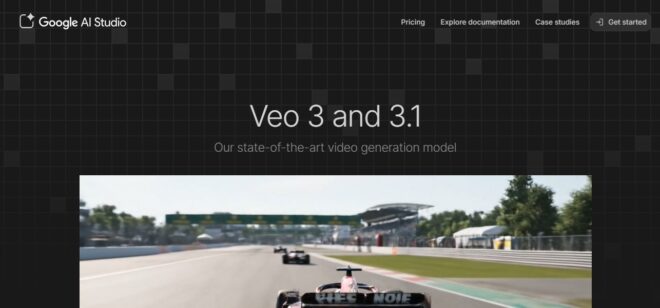
Another revolutionary AI tool for YouTubers or video creators is Google Veo 3. It is an amazing tool designed to generate AI-based videos just with the help of the right prompts. It has been designed to meet the expectations of the real world. Veo 3 now has configurable landscapes, both 16:9 and 9:16. You can use Google VEO 3 to create realistic videos for your YouTube Channel.
Google Veo 3 pros:
-
You don’t need to be a professional video creator to generate high-quality videos.
-
Intuitive controls
Google Veo 3 cons:
-
Removing the watermark can be costly.
4. HootSuite: AI Tool

Another AI tool for YouTubers or video content creators is Hootsuite. Hootsuite is basically an all-in-one tool for content scheduling, ideation, and content analysis. It lets you post and schedule content to different platforms like Facebook, Instagram, YouTube, LinkedIn, Pinterest, etc.
You can track the performance of the videos published to your Youtube channel, analyze keywords, track mentions on Videos and keep yourself abreast with the latest video trends on YouTube. Cool, yeah?
5. InVideo AI
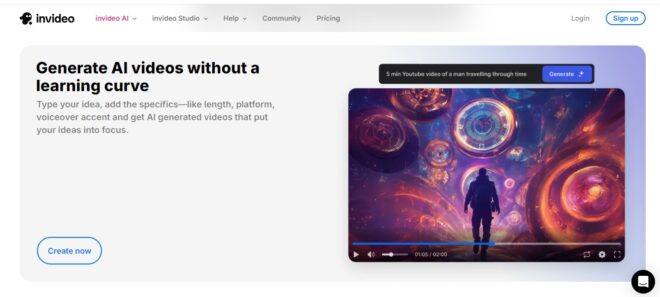
Another must-have AI tool for YouTubers and Video content creators is inVideo. It is a superb tool enhanced with the power of AI features. You can create mind-blowing and interactive videos just by providing scripts to the software. It has free to use premium templates and backgrounds. It also lets you add superb music tracks for enhancing your videos.
6. VidIQ
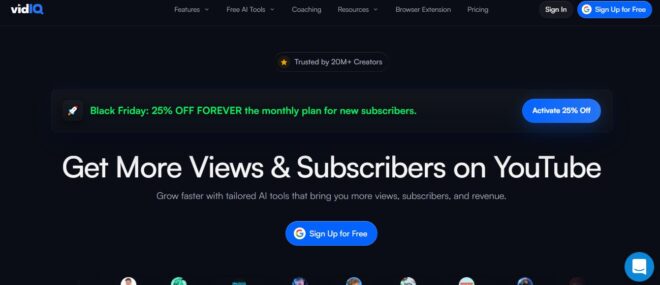
Another revolutionary AI-based tool for YouTubers is VidIQ. It is basically a keyword research and explorer tool for youtube videos. It can be installed in the form of Google Chrome extension. It helps you to find the latest trending keywords, best keywords for your video, their difficulty level etc. You can also track the rankings of your older videos published on your Youtube Channel.
I have personally used this YouTube keyword AI tool since 2021. It can help you increase your subscriber base in no time if you follow the right strategy and are consistent with your content planner. It is available for free (limited keywords and usage), but the paid plan gives you more AI tools, freedom and the opportunity to grow faster on YouTube.
7. Canva AI
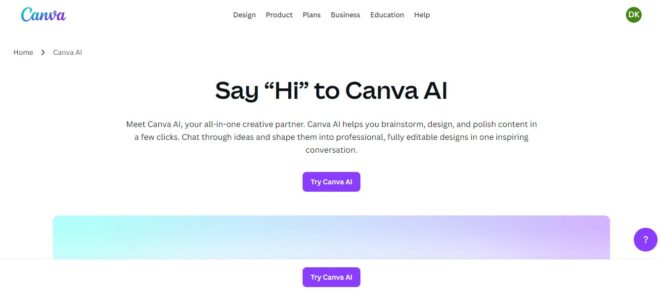
Canva is a popular graphic design tool popular among graphic designers, digital marketers, brand managers, influencers, and content creators. You can create next-level designs for your videos featured image or YouTube banners.
CanvaAI offers you more functionality and an easier user experience. With just a few prompts and commands, you can create professional graphics for your YouTube videos. It provides next-level editing of graphics. You can create stunning designs with the help of CanvaAI just by typing prompts like ‘Create an Instagram post for my brand XYZ for our Black Friday Sale.’
8. Veed YouTube Description
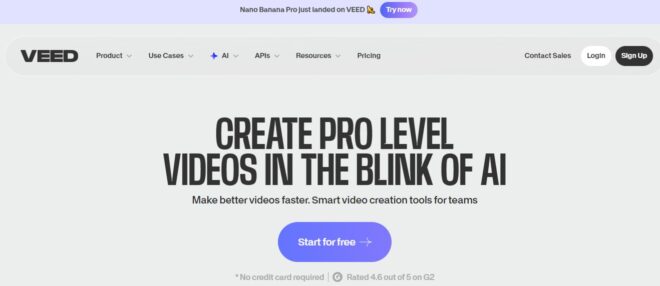
Another AI tool for YouTubers and video content creators is the VEED YouTube description generator. When you publish your video, you need an eye-catching title and a description that can help you rank in YouTube search and the Google search engine.
At times, it may become difficult for you to write the relevant content description so the VEED YouTube description generator helps you solve this issue. With the help of the VEED YouTube description generator, you can create a stunning YouTube description and topic.
You need to add both the video topic and keyword, and click on the generate description button on the website to use the AI-generated YouTube description in your videos. Follow the steps:-
Step 1: Type a topic and keyword for your video’s description
Step 2: generate due to description ideas by clicking on the generate button.
Step 3: Copy and paste the description generated by the tool in the description area of your YouTube video.
Also Check: How to Reduce Data Usage in YouTube Android Version
9. GetMunch: Get More out of your Existing Videos
Another interesting AI-based YouTube tool is GetMunch. It is basically an AI-based video repurposing tool. It can help you create impactful clips from your long-form videos. Imagine you run a YouTube channel and you also post YouTube shorts and want to grow your subscriber base and engagement, so this is one of the must-have AI tools for you.
GetMunch is an all-in-one platform with its AI-driven editing, which is centred around extensive machine learning. You can create selective short videos depending on which section of your video is more important.
Also Read: How to Check Your YouTube Comments History Till Date
You can also create short video clips from your videos based on the latest YouTube trends and marketing insights. After publishing your videos, you can also track the performance of your videos and track the rankings and views.
Also check: How to Watch YouTube Shorts in Landscape Form
10. Synthesia
Another AI tool for YouTubers or video content creators is Synthesia, which has been quite in trend for a long time. With Synthesia, you can turn your text into a video in minutes. Just type in the right command or prompt, and it will create videos with AI avatars and an impactful voice-over. It will not be wrong if we call it one of the top AI YouTube video maker tool.
The best part is that it supports around 140 + languages and you can create voice-overs in 140 + languages. It saves a lot of time and video creation for your branding and marketing becomes quite easy. You can give a face to your branding videos by choosing different avatars. This platform is used by various top brands and Fortune 100 companies like Marck, Zoom, Bosch, etc.
11. Sora
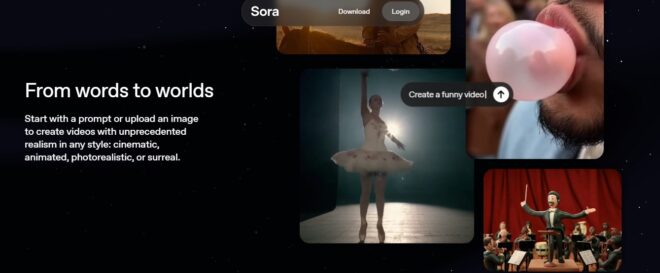
Sora is another AI tool for content creators and YouTubers. With Sora, you can create videos with unprecedented realism in any style, be it cinematic, animated, or photo-realistic. You just have to provide a prompt or add an image from your end.
Another interesting thing it offers is that you can cast yourself and your friends in your videos, remix everything. With remix, you can swap characters and use someone else’s creation for your videos.
Along with that, you can also add relevant music sound effects, and automatic dialogues can also be added in the videos. Sora is also available on the Play Store and App Store
12. Gling YouTube Video Editor Tool
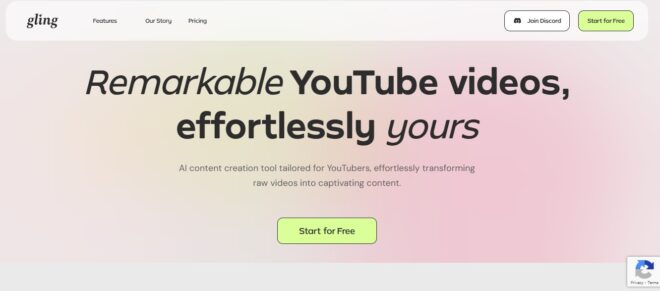
With the Gling YouTube video editor tool, you can effortlessly create remarkable videos. Its AI content creation tool can help you edit your raw videos and create captivating content from them.
It is quite easy to edit the videos; just add the raw videos that you have created, and then the AI tool will automatically edit them and refine the video. It will remove extra clips, the unnecessary noise, and waste clips from the video. You can also manually adjust all the functionalities.
After your video has been refined and edited, you can download for export the video to different formats like MP4 or MP3. It also provides tools like a YouTube title generator auto auto-generate caption and subtitle, auto-framing, ZoomIn and out, and automated video chapters. This makes your videos more organised.
Stay Tuned to TechAdvises for more such tech content like YouTube tutorials, AI tools, and tech news.


Comments are closed, but trackbacks and pingbacks are open.