
WhatsApp has become quite popular across the globe. Our life now seems incomplete without WhatsApp. It helps us to send messages to our loved ones, colleagues, etc. We can make video and audio calls to other recipients. At times, it may happen that you have sent a message to your loved one, but they have not replied back. You might get irritated and must be curious as when did they read the message. If you too wish to learn how to check read time on WhatsApp then you are at the right place.
Also Read: How Resolve No Valid QR Error in WhatsApp
How to Check Read Time on WhatsApp
Open the WhatsApp application on your Android smartphone
Now open the chat and message of the user for whom you wish to check the read time on WhatsApp.
Long-press the specific message for which you wish to check the read time on Whatsapp.
Now click on the 3 dots in the top right corner of the chat window.
On the menu option click on the Info option.
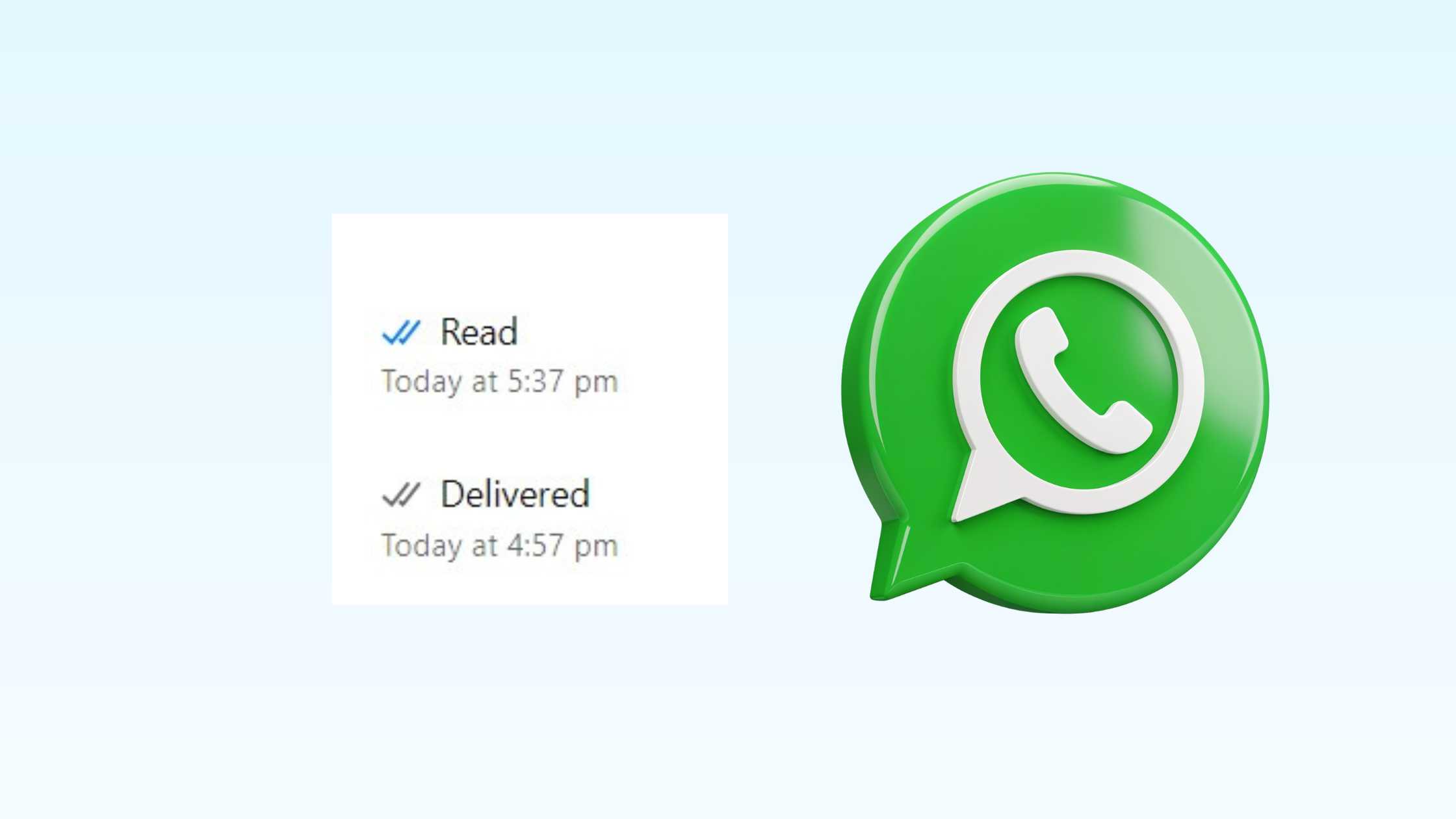
It will show you the Read time as well as the delivery time of the WhatsApp message.
So, these were the steps to check read time for WhatsApp messages on Android smartphone.
Also Check: How to Chat with AI Character in WhatsApp
How to The Check Read Time on WhatsApp Web
Let us learn how to check the WhatsApp Message read time for WhatsApp Web mode.
Open WhatsApp web by visiting web.whatsapp.com on any Web browser.
Now, click on the user’s chat for which you wish to check the Whatsapp message read time.
Now, click on the specific message for which you wish to see the read time. Click on the drop-down arrow.
In the menu dropdown, click on “Message Info.”
It will show you the read and delivered time of the specific WhatsApp message.
Also Check: Blue WhatsApp APK Download for Android Smartphone
Stay tuned to TechAdvises for more such WhatsApp tutorials, tech knowledge and information. If you have any query, feel free to ask us through the comment section.

