
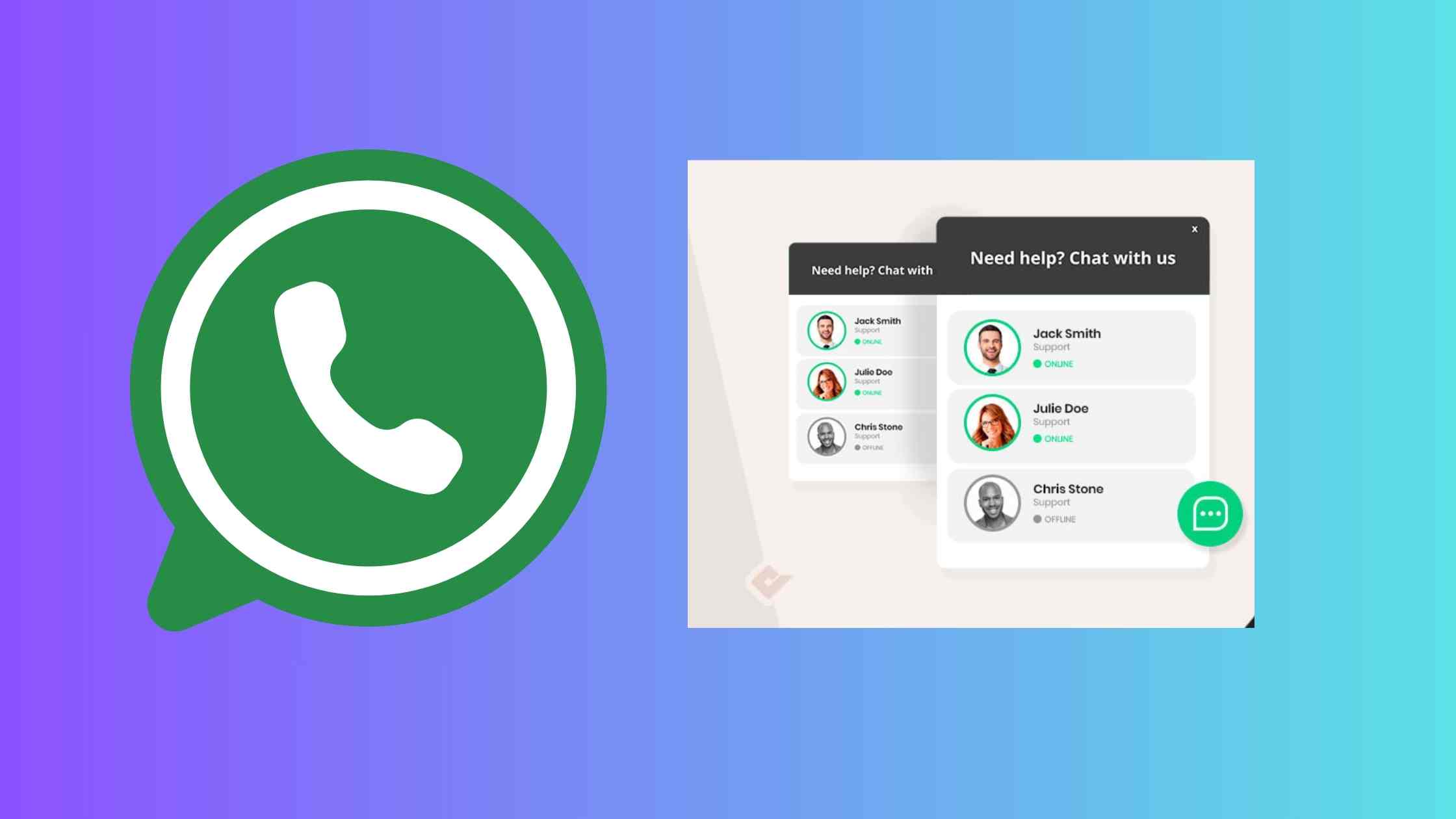
Social Chat WhatsApp chat Plugin: If you run a business website, you must be aware of how important it is to bring more visitors to your website and convert them into customers. There are ways to convert your traffic into your interested buyers. The WhatsApp Chat button is one of the most feasible and fruitful methods of turning visitors into customers. Thanks to the immense popularity of WhatsApp among users. It is one of the most used chat messaging apps.
Today, in this article, we will talk about one such WhatsApp Chat button plugin that you can add to your business website or blog.
Formely Known as WhatsApp Chat
Earlier, the plugin was named as ‘WhatsApp Chat’, but the company had to rename it to Social Chat due to a trademark (WhatsApp) issue with WhatsApp company.
Why use Social Chat WhatsApp Chat Plugin?
WhatsApp chat button plugin proves quite useful because WhatsApp is used in around 100 countries and is available in 50 languages. The users have been using it for quite a long time now. With this plugin you can directly redirect your visitors to the WhatsApp chat on your official WhatsApp Business account.It makes easier for you to keep in touch with the user and convert it into a lead.
Also Read: Groundhogg Best CRM and Automation WordPress Plugin
Social Chat Box
Social Chat feature also allows you to showcase a box for some contact information and your custom message for incoming visitor. You can set your header and footer message. You can add an avatar, show a contact phone number and display a custom message for each incoming visitor on the website. Cool, right? In order to use it, you need to activate the Social chat box option.
Social Chat WhatsApp chat Plugin Features
- WhatsApp button
- WhatsApp contact box
- WhatsApp button and multiple box colors
- Add custom icon in the WhatsApp button
- Dual button layouts
- Hide the button based on post types and taxonomies
- Beautiful round borders
- Vertical and horizontal position
- Display custom message for visitors
- Custom user message or tagline
New!! WooCommerce WhatsApp Feature
If you run an e-commerce business the Social Chat plugin brings up an exciting WhatsApp chat feature for you. From version 6.0.1 you can include a WooCommerce WhatsApp button on the Single ecommerce product pages, using which you can use prompts to redirect users directly to your WhatsApp official chat window.
The WhatsApp Button can be included directly on your WooCoomerce product pages next to the “Add to cart” button.
Also you can include WooCommerce WhatsApp button in the next actions:
- Before “Add To Cart” form
- Before “Add To Cart” button
- After “Add To Cart” button
- After “Add To Cart” form
- After “Additional information”


Comments are closed, but trackbacks and pingbacks are open.